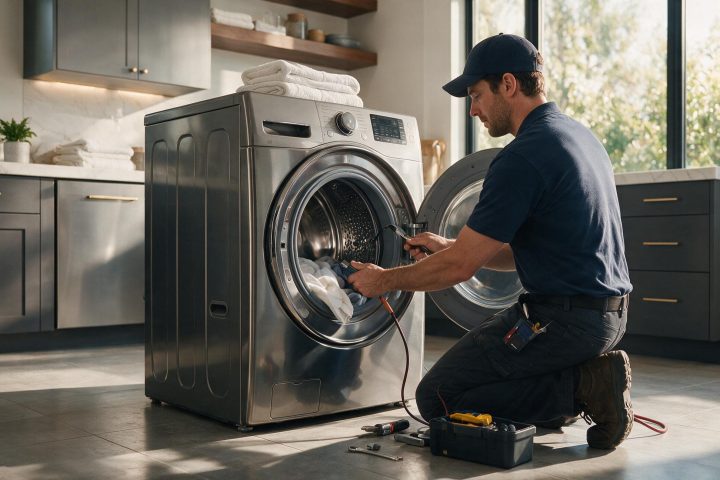
The Check and Clean Drain Pump Filter message on a GE Profile UltraFast Combo points to a restriction in the drain area. Cleaning the pump filter is the owner step.
Model compatibility: GE reuses codes across series and model years, so Check and Clean Drain Pump Filter may mean something different on another appliance or generation. Confirm this against your model’s documentation and record your full model number before acting.
Plain language
What this code means
The Combo has detected a restriction in the drain area, often loose items caught in the pump filter.
When a GE Profile UltraFast Combo washer/dryer shows “Check and Clean Drain Pump Filter,” it has detected a restriction in the drain area. Restrictions are often caused by loose items getting caught in the pump filter. This message applies to the GE Profile UltraFast Combo.
What to do first
The pump filter is easy to access and clean. The Owner’s Manual has directions in its “Care and Cleaning – Pump Filter” section. Instructions and a short video on cleaning the pump filter are also available from GE. Unplug the Combo before you reach into the filter area.
Related codes
Code 18: also about a drain pump filter that needs cleaning.
Code 353: a different filter, the lint filter, which is usually clogged with fabric softener residue.
DOOR OPEN: a cycle was started with the door not fully closed.
GE washer dryer repair in Los Angeles
If the message stays after you clean the pump filter, our GE washer dryer service in Los Angeles can take a look. Call (310) 620-9683 and have the message text, your model number and a note on what you already cleaned ready.
Important safety warning. Do not attempt repairs involving electrical components, gas, water lines, refrigerant or sealed systems. Unplug the appliance if it is safe to reach the outlet, and leave internal diagnostics to a qualified technician.
Seeing this code on your GE appliance?
Book a specialist visit for a clear estimate and approval before any repair.